Step 1
First you need to download and install the latest Chrome browser.
Step 2
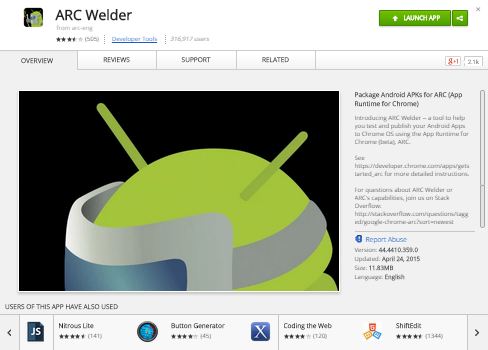
Now sign in to your google account and head to the Web store and download ARC Welder.
Step 3
Now download the APK of the Android app you wish to run in your Chrome Browser with any third party sources. There are so many websites from where you can download APK of your favorite Android app like APKMirror or APKLeecher.
Step 4
Now launch the ARC Welder app from top left corner of your browser (Apps).

Step 5
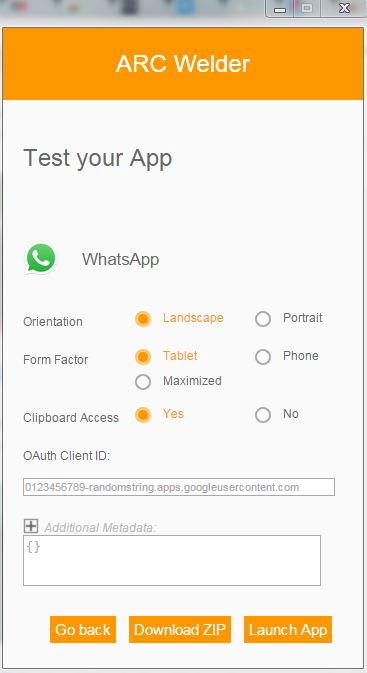
Now click on Add your APK to add the downloaded APK file. Also, select orientation and form factor as per your wish.
Note:
You can only load one app at a time. It is a beta version, so it is possible that you will be finding bugs in the app for some time and there is no guarantee that the apps will work properly for everyone.
ARC Welder app includes Google Play Services, including Auth (OAuth2), Google cloud messaging, Google+ sign-in, Maps Location and Ads. But some Play services features like back camera, in-app purchases, orientation of phone are still missing from the ARC Welder.


